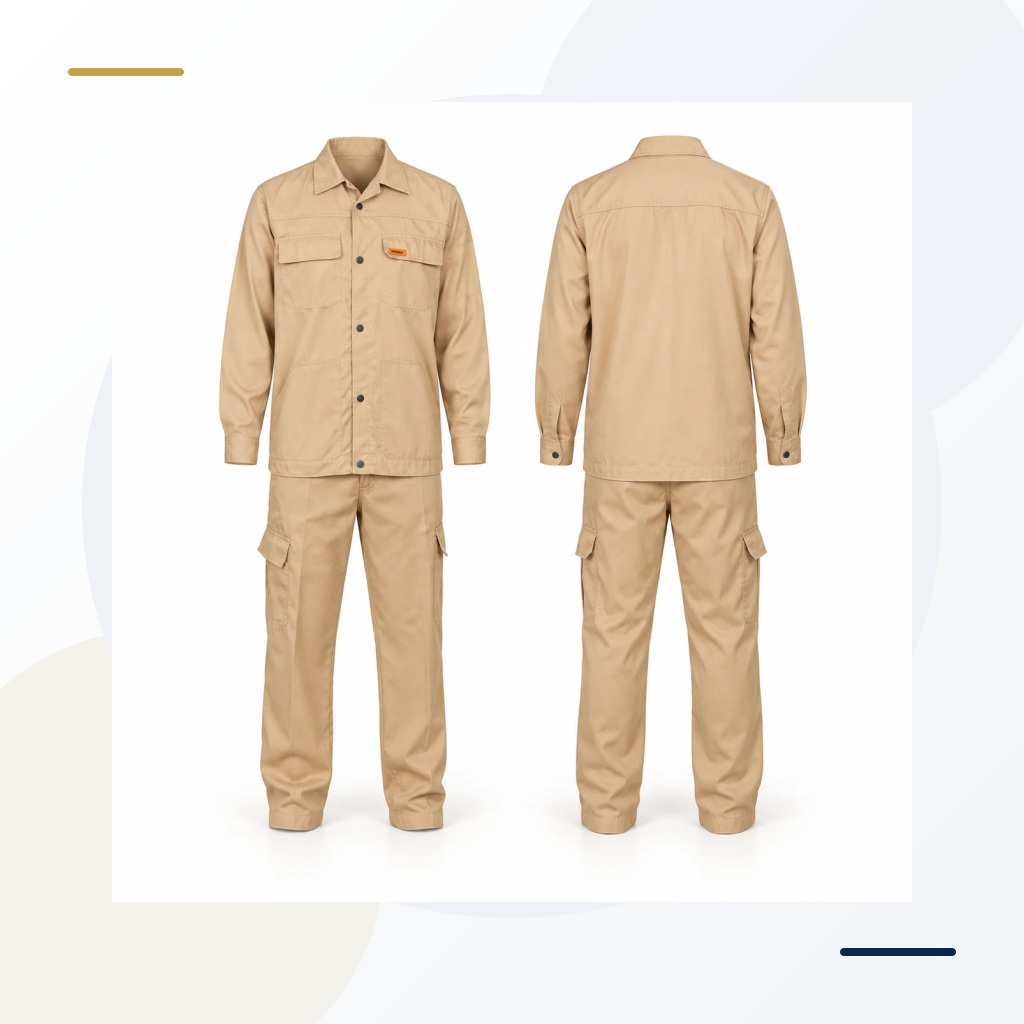
A quotation for “100 uniforms, assorted sizes” leaves several important questions unanswered. Does each person receive one set or two? Are shirts and trousers supplied in matching sizes? Does the quantity include spare garments? Which sizes belong at each site?
Before ordering uniforms for a Dubai maintenance team, a warehouse in Sharjah or a facilities contract covering several Emirates, turn your staff list into a garment-level size split. This gives purchasing, the supplier and the person issuing the uniforms the same set of numbers.
This guide includes a worked example and a checklist you can adapt. The figures are illustrative, not a recommendation for every workforce.
Start with what each person receives
Write an issue rule for each role before collecting sizes. For example:
- Maintenance technicians: two shirts and two trousers each
- Supervisors: two shirts and two trousers in a different approved colour
- Occasional site visitors: a separately managed vest allocation
Keep employees, garment pieces and complete sets separate. Fifty employees receiving two shirt-and-trouser sets require 100 shirts and 100 trousers. That is 100 sets but 200 individual garments.
Check how the selected product is sold. If a supplier sells a matching-size set, ask whether a larger shirt can be combined with smaller trousers. Do not assume a quoted “set” allows mixed sizing or includes a vest.
Browse the workwear and uniforms catalogue to identify the garment style before creating the final order sheet.
Use the exact product's size chart
A familiar label such as L or XL is only useful when tied to the chosen garment. Ask whether the chart describes body measurements or finished-garment measurements, and which units it uses. Copy the product reference and chart version onto your size record.
For shirts, review the measurements specified by that supplier. For trousers, check both waist and length. For coveralls, consider the full garment fit rather than converting a shirt size automatically.
Where practical, arrange a fitting using the proposed product. Ask staff to wear the usual clothing underneath and check normal work movements in a safe fitting area. A standing photograph alone will not show whether the garment becomes restrictive when sitting or reaching.
Record a confirmed size, not a guess based on nationality, appearance or the label in an unrelated garment. Employees who miss the fitting should remain marked “unconfirmed” until their size has been checked.
Build one record per employee, then aggregate it
Your internal issue record can contain:
- Employee or issue reference
- Department and delivery site
- Selected garment reference and colour
- Confirmed shirt size
- Confirmed trouser size and length, where applicable
- Quantity per garment
- Fitting date and confirmation status
The supplier usually needs the aggregated quantities, not your full employee record. If individual names are being applied to garments, provide only the approved names and information required for that work.
Avoid mixing similar products on one line. A navy short-sleeve shirt and a navy long-sleeve shirt need separate references even if the size label is identical.
Worked example: 40 employees, two sets each
Suppose a team has 40 employees, each receiving two shirts and two trousers. After fitting, the shirt sizes are:
| Shirt size | Employees | Shirts per employee | Initial quantity |
|---|---|---|---|
| S | 4 | 2 | 8 |
| M | 10 | 2 | 20 |
| L | 14 | 2 | 28 |
| XL | 8 | 2 | 16 |
| 2XL | 4 | 2 | 8 |
| Total | 40 | 80 |
The trouser order must be calculated separately from the confirmed trouser sizes. It should total 80 trousers in this example, but its distribution may differ from the shirt distribution.
If purchasing adds eight spare shirts, the final shirt total becomes 88. List those spare quantities explicitly by size. “80 plus 10% spare” is not enough for production because it does not tell anyone which sizes to supply.
A simple reconciliation catches many errors:
Employee allocation + approved spare quantities = purchase quantity.
Repeat that check for every garment reference, colour and site.
Choose spare stock using your own demand
There is no universal spare percentage that fits every business. Consider confirmed new starters, historic replacement requests, laundry arrangements, supplier replenishment time and storage space.
For an established team, past issue records can help identify which sizes are actually used. For a new project, separate confirmed staff requirements from an approved contingency allowance. Keep uncertain recruitment demand visible rather than presenting it as a completed fitting list.
Personalised name embroidery also affects the usefulness of a spare. Ask whether keeping some garments without individual names would suit your issue process, subject to the agreed production arrangement. A spare assigned permanently to one name may be harder to reuse.
Split a multi-site order without losing the total
A UAE order may need cartons for Dubai, Abu Dhabi and another project location. Create a packing split only after the garment totals are correct.
Each packing line should identify the site, garment reference, colour, size and quantity. The sum of all site allocations, including centrally held spares, must equal the purchase order.
For example, if 20 medium shirts are ordered, the packing instruction might allocate 12 to one site, six to another and two to central stores. It should not independently recreate a new demand estimate for each location.
Agree whether packing by size, department or employee is available and whether it changes cost or timing. Record the receiving contact and delivery requirements separately from the garment specification.
Freeze the version before branding begins
Nominate one person to approve the final quantities. Give the order sheet a version number and date, then connect it to the approved garment and artwork references.
If a new starter joins after approval, send a clearly labelled change request. Ask the supplier to confirm its effect on quantity, price and production timing before assuming the amendment is included.
Customisation and exchange conditions should also be confirmed before production. A wrong-size garment with permanent branding may be handled differently from an unbranded item.
Keep the first order useful for reorders
After delivery, record what was issued and what remains in stock. Keep the approved size chart, product reference and any fitting notes that explain a product-specific adjustment.
Reconfirm fit when the product or cut changes. A reorder using an alternative garment should not silently inherit the old size split.
For your next purchase, start with actual shortages and confirmed new starters. This is more reliable than repeating last year's order quantities automatically.
Before you request a quotation
Send the supplier:
- Garment reference or required style
- Colour and relevant site specification
- Quantity by size for each garment
- Whether mixed shirt-and-trouser sizes are required
- Separate spare quantities
- Logo positions and approved artwork, if available
- Delivery locations and required arrival date
- Any sample, packing or personalisation requirements
For broader supplier comparison, read our work uniform supplier guide.
Discuss your order with Xpertone
Send the garment or vest reference, quantities, sizes and branding requirement for a clear quotation and production review.
Request a quoteFrequently asked questions
Can I order all uniforms using employees' T-shirt sizes?
Use the chosen uniform's chart and, where practical, a fitting sample. A casual T-shirt size does not confirm the fit of a work shirt, trousers or coverall.
How many extra uniforms should I buy?
Base the allowance on your hiring plans, replacement history and replenishment arrangements. Put the spare quantities into specific sizes rather than relying on an unexplained percentage.
Should the supplier receive my full staff list?
For a size-only order, an aggregated garment and size split may be enough. Provide individual names only when needed for approved personalisation or packing.